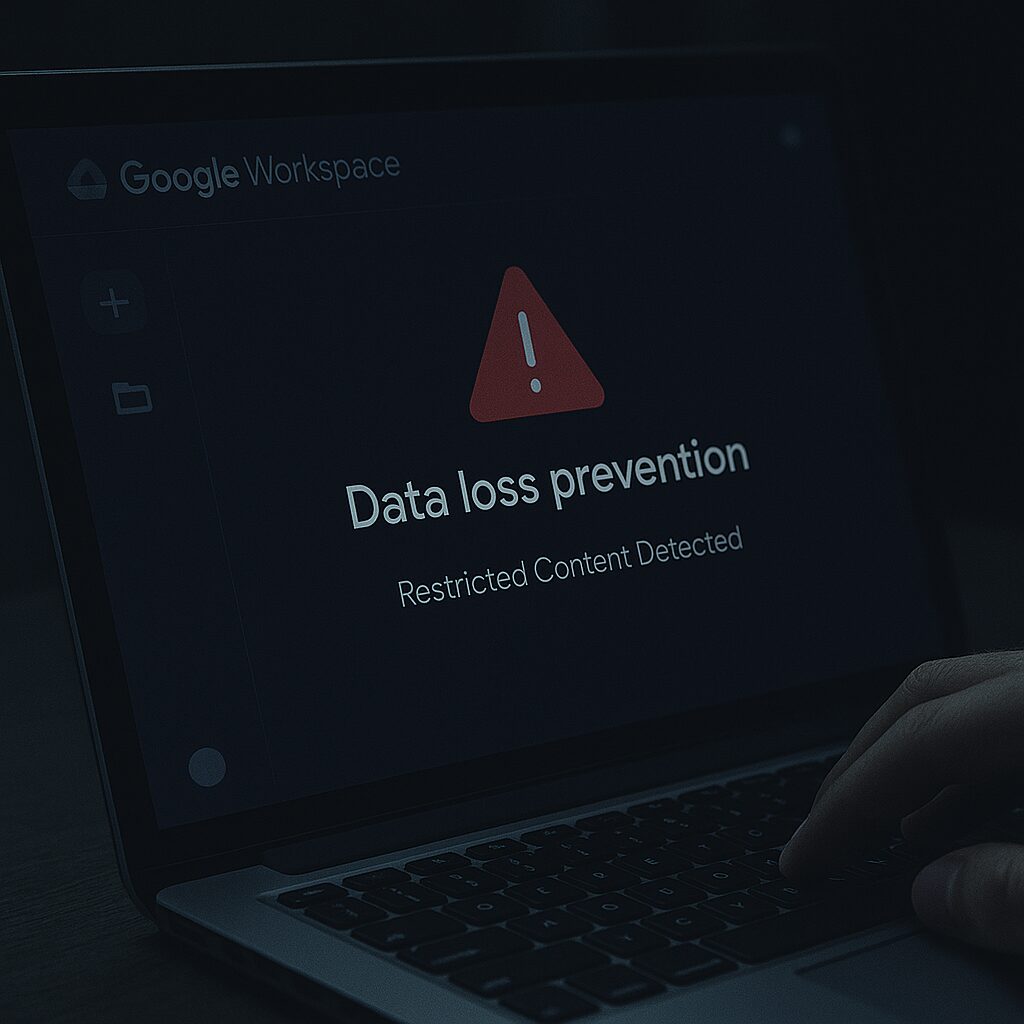


Every day, businesses face the risk of accidental data loss, which can compromise sensitive information, including passwords, credit card details, and private emails.
Google Workspace provides DLP (Data Loss Prevention) to help businesses protect their confidential data. Having full Google Workspace support from a trusted IT partner is crucial for managing your data.
In this blog, we look at what Google DLP is, its policies, benefits and how you can implement Google Workspace’s DLP into your business.
What is DLP, and how does it work?
Every business around the globe has, at some point, suffered from data loss. And it’s the age-old question of “How do you prevent data loss?“.
Well, the very appropriately titled Data Loss Prevention in Google Workspace is exactly what businesses require – so what is DLP?
In layman’s terms, DLP lets you set up rules to automatically find and stop sensitive data from being shared in Gmail, Google Drive, and Google Chat.
With 40% of Google Drive files containing sensitive information, DLP helps you control what information users can share outside your organisation.
It uses the rules you set up to prevent sensitive data, like credit card or ID numbers, from being accidentally shared.
DLP rules scan files for sensitive information and stop users from sharing it. These rules outline what constitutes a DLP incident and describe the actions to be taken when an incident occurs, such as blocking the content.
You can allow controlled sharing for members of your business.
Here’s a bit of a breakdown and summary of DLP:
- You create rules that tell DLP what information is sensitive and needs protection. These rules apply to both your personal drive and shared drives.
- DLP checks your content against these rules. If it finds a violation, it’s called a DLP incident.
- DLP takes action when a rule is broken, such as sending you an alert.
- You get notified when a DLP rule is violated.
What are the benefits of DLP?
There are several good reasons for utilising DLP; here are just a few of those benefits:
Prevents costly data breaches
By proactively preventing the unauthorised sharing of sensitive data, DLP significantly minimises the risk of data leaks.
These leaks could lead to substantial financial losses for your organisation or severe damage to its reputation, so it’s crucial to utilise DLP.
Ensures compliance with regulations
This system makes it easier for organisations to follow data protection laws like GDPR, HIPAA, and CCPA.
It does this by automatically applying privacy rules across all Google Workspace applications.
Simplifies security management
DLP offers strong protection by utilising automated detection and rules you can customise to fit your business, taking the load off your IT security team.
User warnings also help people be more aware of security. It works smoothly with Gmail, Drive, and other Workspace tools, providing both strong protection and efficient operation.
How to implement DLP
Google Workspace DLP enables admins to set up rules in the admin console to identify and control sensitive data across Google Drive, Gmail, and Chat.
These rules can use pre-set detectors or custom regular expressions. When sensitive data is found, actions can be taken, such as preventing external sharing, applying drive labels, or sending alerts.
A final thought
If your business stores sensitive data, you need a system like DLP in place. With Google Workspace, it becomes much easier to integrate DLP, allowing you to specify which data you would like to keep protected.
Stay aware of data loss prevention methods and stay ahead of cyber criminals and possible data breaches.
If you found this article useful, you might also enjoy reading: Google Workspace vs Microsoft 365